

Getting started
Build, run and test a Go program with marmot, and read your first error.
This page assumes marmot is installed and marmot doctor reports no problems. If not, see
Install.
Build and run
marmot works on any Go module. Make one:
mkdir hello && cd hello
go mod init hellopackage main
import "fmt"
func main() {
name := "marmot"
fmt.Println("hello,", name)
}Run it, then build an executable. The commands are the go command's, with marmot in front:
marmot run main.go
marmot build -o hello .
./hello
The first build compiles the standard library packages the program uses and caches them, so later builds are fast. For the binary you ship, use release mode:
marmot build -release -o hello .Read an error
Change Println to Printn and build again. marmot shows the source, marks the exact span,
says what is wrong there, and suggests a fix:
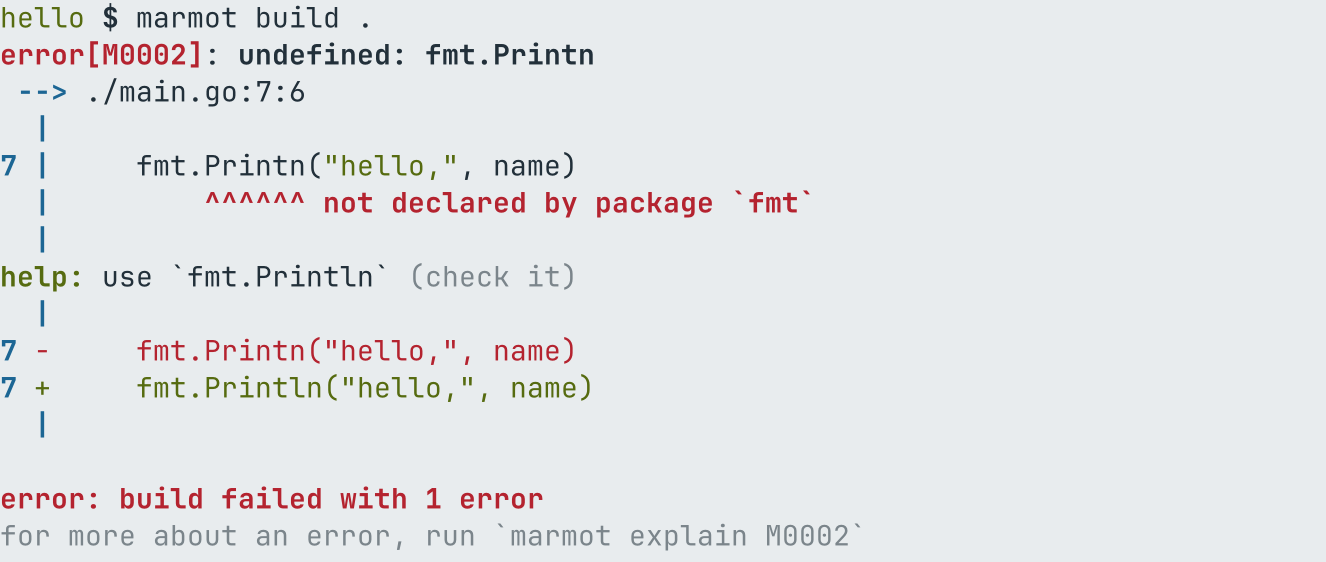
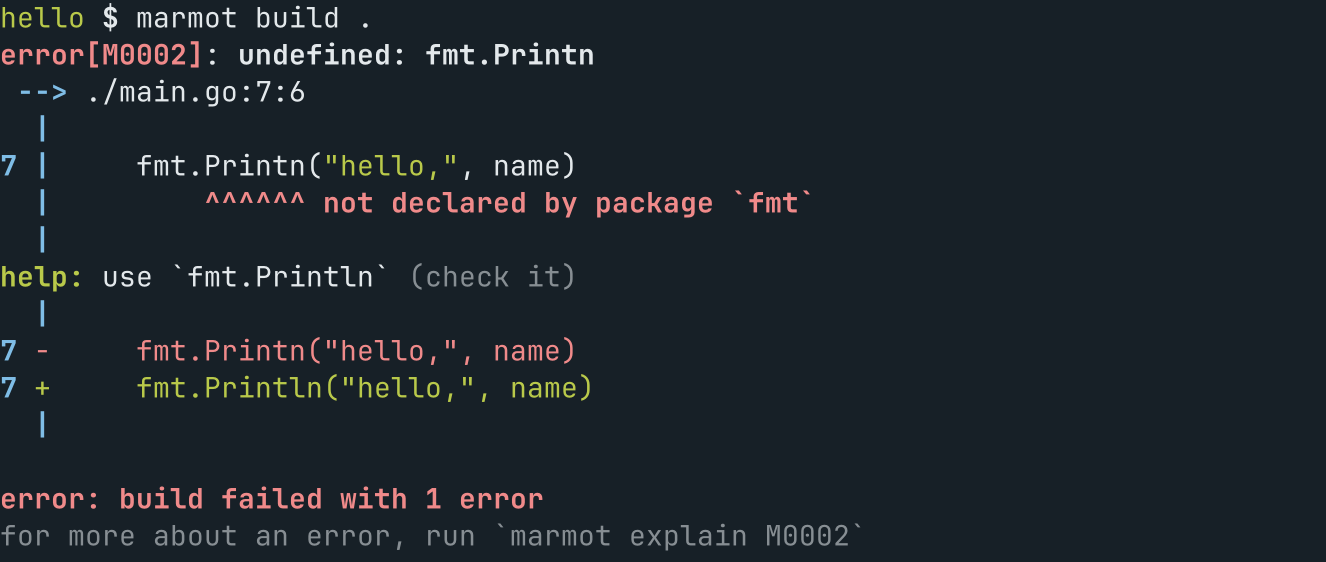
The fix is marked check it because it is a guess based on the name. marmot fix -all applies
it; plain marmot fix applies only fixes that are always safe, such as removing an unused
import. marmot explain M0002 describes the error with an example.
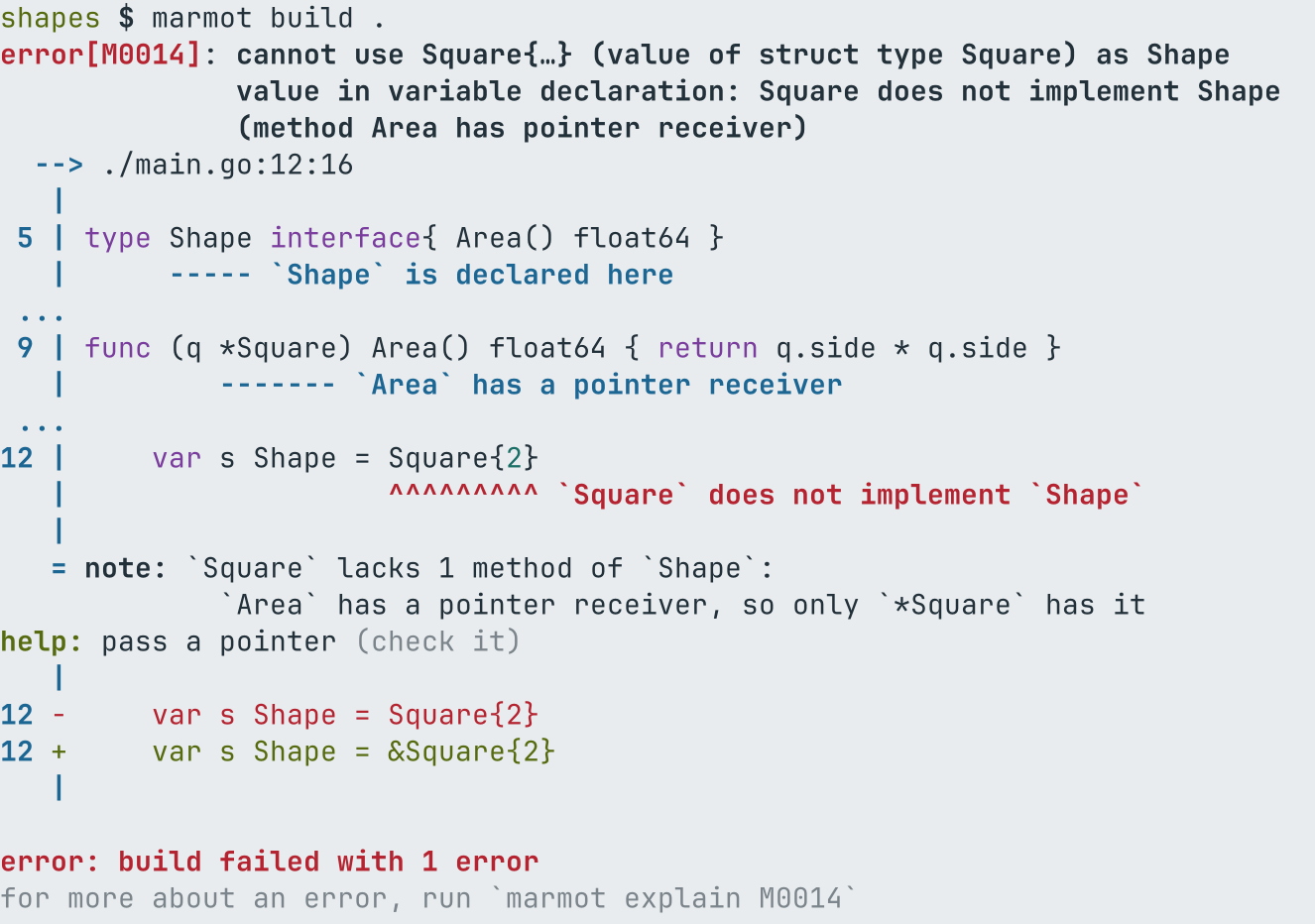
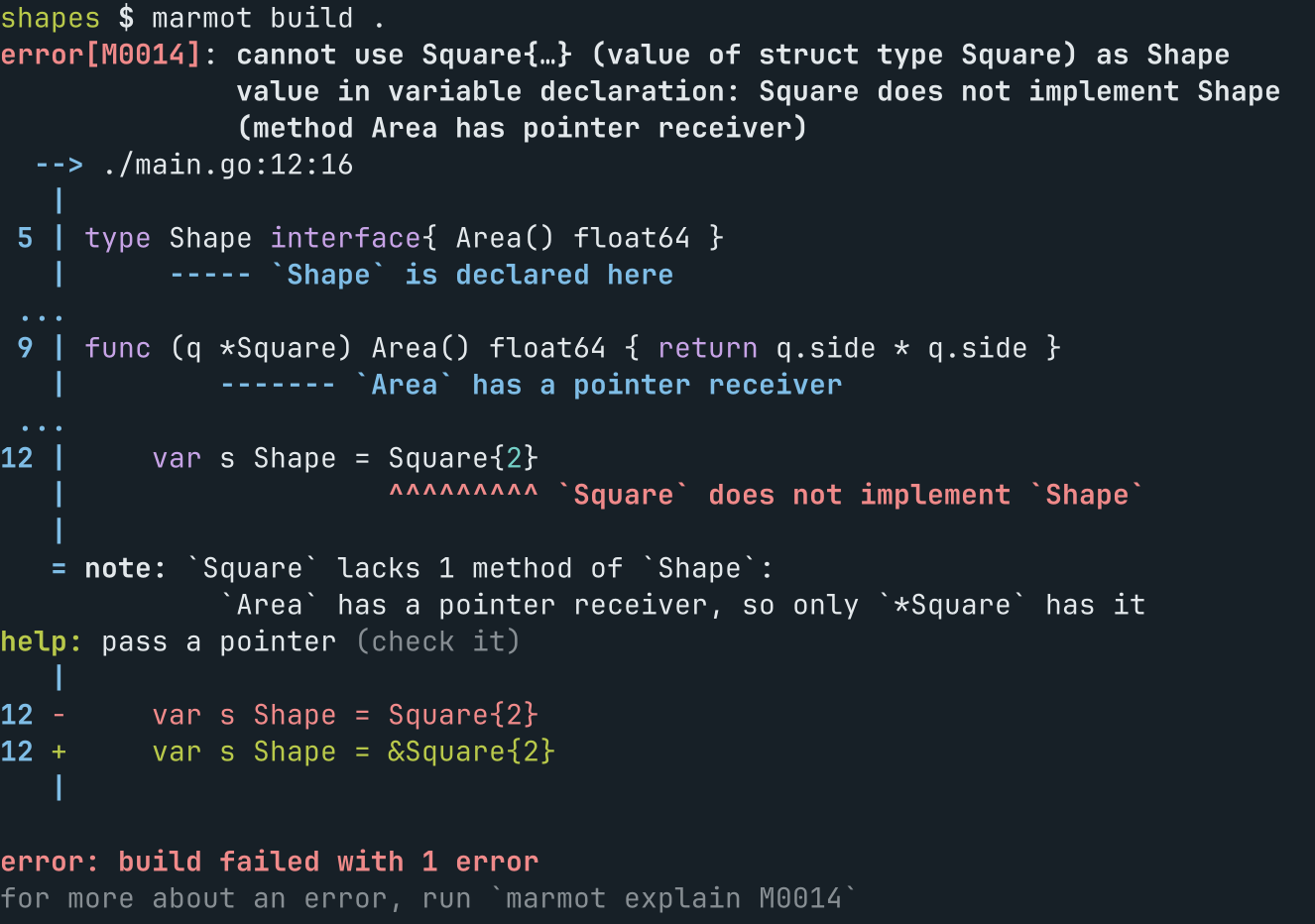
Errors that involve more than one place point at each of them:
Test
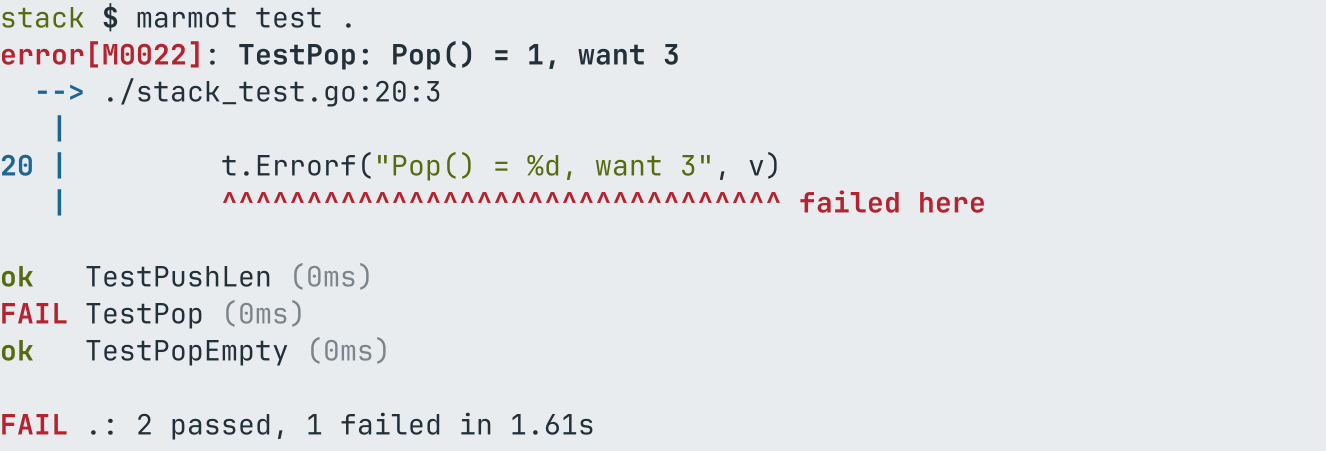
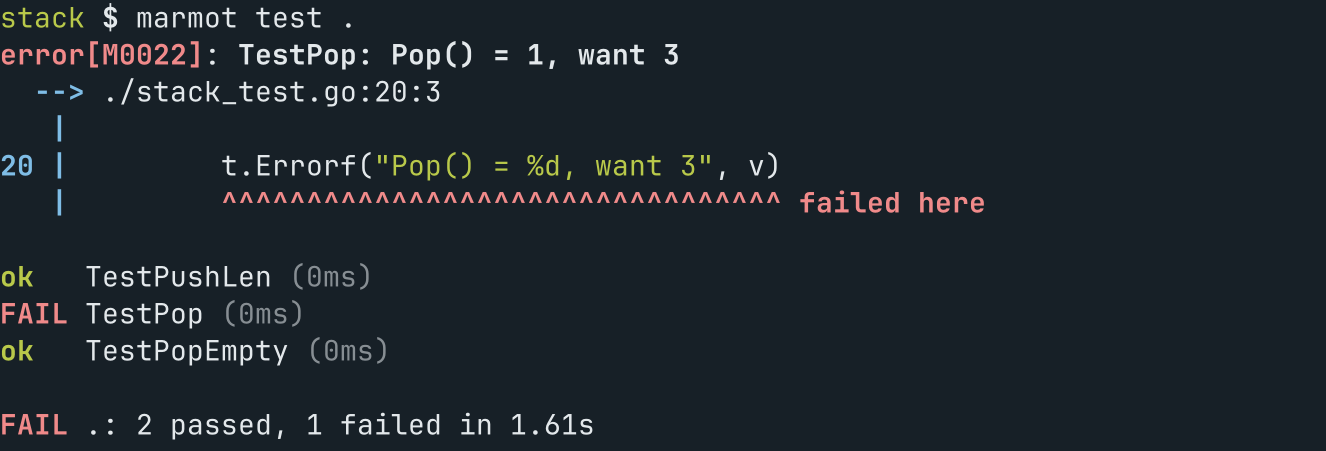
marmot test runs package tests like go test. On a terminal each failure comes first, at the
line of its t.Error or t.Fatal:
Next
- Build modes: dev and release, and what each is for.
- Commands: every command, with its flags.
- Diagnostics: human, plain and JSON output, and every error code.