

marmot test
Compile and run package tests, like go test.
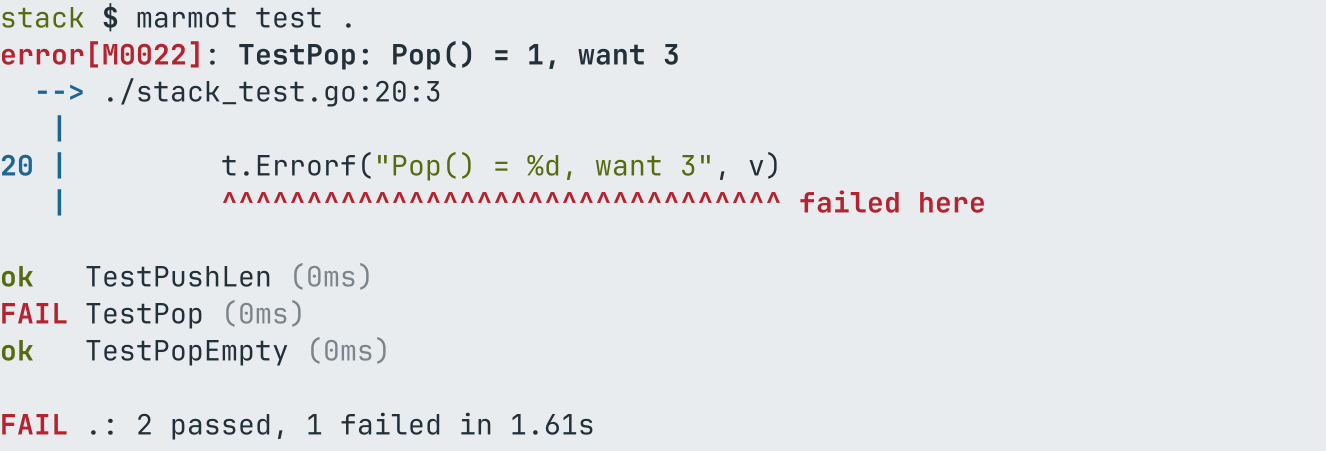
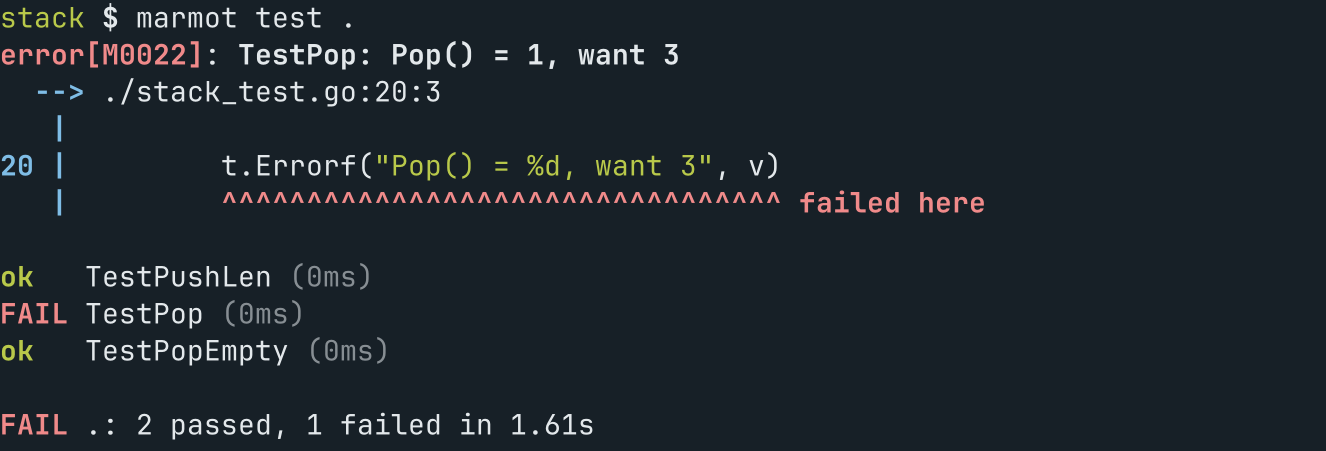
Build the test binary of each package and run it, like go test. Test flags (-run, -v, -count, -bench, ...) go to the test binary. With -json, every test and failure is reported as JSON Lines.
marmot test [packages] [flags]Examples
marmot test ./...
marmot test -run TestParse -v .
On a terminal marmot test shows each failure first, at the line of its t.Error or
t.Fatal with the source, then every test and subtest with its status and time, then a
summary. Off a terminal the output is the same as go test, so CI scripts that parse it keep
working. marmot test -watch runs the tests again after every change.
marmot test -json writes one {"kind":"test", "package", "name", "status", "durationMs", "file", "line", "message", "output"} line per test and subtest, a diagnostic (code
M0022) per failure with its source context, and the result.
Flags
Flags take one dash or two: -release and --release are the same.
| Flag | Meaning |
|---|---|
-O string | optimization level: 0, 1, 2, 3, s, z |
-color string | color in human output: auto, always or never (NO_COLOR turns auto off) (default "auto") |
-dialect string | MLIR dialect level: llvm or go |
-json | machine readable output: JSON Lines on stderr (also $MARMOT_OUTPUT=json, and the default under coding agents) |
-o string | write the test binary here and do not run it |
-release | release build |
-tags string | comma separated build tags |
-work | print and keep the temporary work directory |
-x | print the commands run |
Full help
Build the test binary of each package and run it, like go test. Test flags (-run, -v, -count, -bench, ...) go to the test binary. With -json, every test and failure is reported as JSON Lines.

Usage:
  marmot test [packages] [flags]

Examples:
marmot test ./...
marmot test -run TestParse -v .

Flags:
      --O string         optimization level: 0, 1, 2, 3, s, z
      --color string     color in human output: auto, always or never (NO_COLOR turns auto off) (default "auto")
      --dialect string   MLIR dialect level: llvm or go
  -h, --help             help for test
      --json             machine readable output: JSON Lines on stderr (also $MARMOT_OUTPUT=json, and the default under coding agents)
      --o string         write the test binary here and do not run it
      --release          release build
      --tags string      comma separated build tags
      --work             print and keep the temporary work directory
      --x                print the commands run